
bAIos
An experimental BIOS
for classic systems.
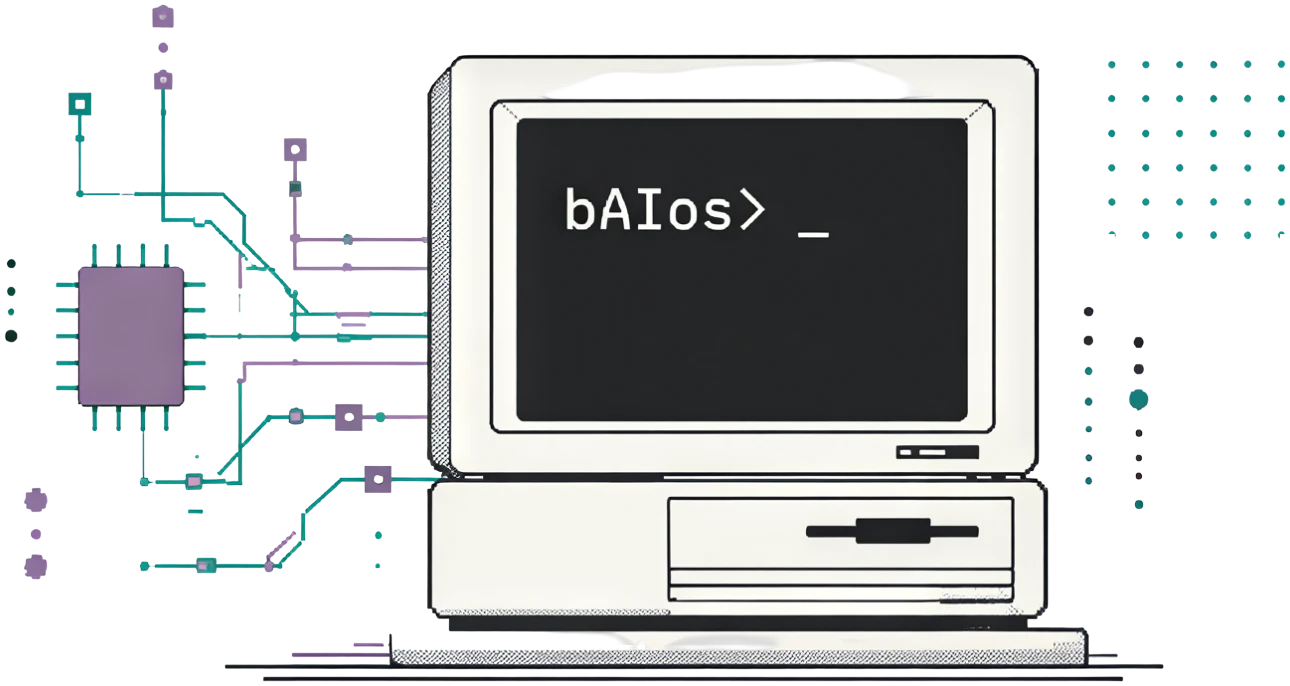
A replacement BIOS for selected 386- and 486-era computers. It checks hardware, detects memory, provides Setup, and starts an operating system.
WHAT bAIos DOES

STARTUP CHECKS
Checks hardware during startup and provides diagnostic codes.
MEMORY DETECTION
Detects installed memory within the limits of each motherboard port.

SETUP
Press Delete during startup to change the system settings.

OPERATING-SYSTEM BOOT
Loads a boot program from a configured device.
BOARD-SPECIFIC DOCUMENTATION
Choose the manual for your exact motherboard. Each manual covers its ROM files, settings, and known limitations.
MITSUBISHI MP386/25 PACKARD BELL PB430 PC-CHIPS M919 (REV 1.5 / 3.4)GETTING STARTED
Prepare your system before using bAIos.
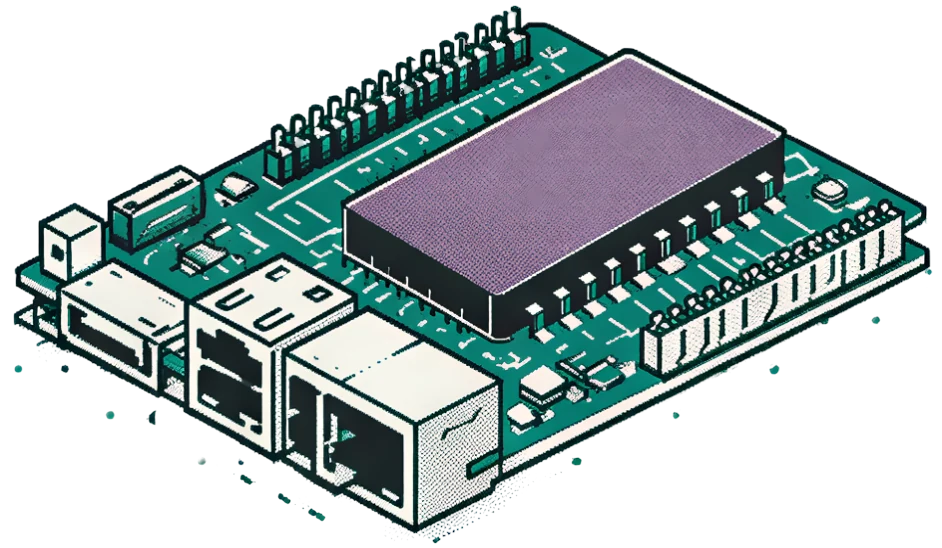
Read the manual for your board before programming a ROM. A ROM for the wrong motherboard can prevent the computer from starting.
BEFORE YOU BEGIN
IDENTIFY YOUR BOARD AND REVISION
Match the motherboard model and revision to its port manual.

FOLLOW THE REPOSITORY MANUAL AND BUILD/LATEST.TXT
Follow the port manual. Its build/LATEST.txt lists current image filenames, versions, and programmer checksums.

BACK UP THE ORIGINAL ROM
Keep a backup of the original ROM before programming.

SET UP A RECOVERY METHOD
Have a way to restore the original ROM if the computer cannot start.